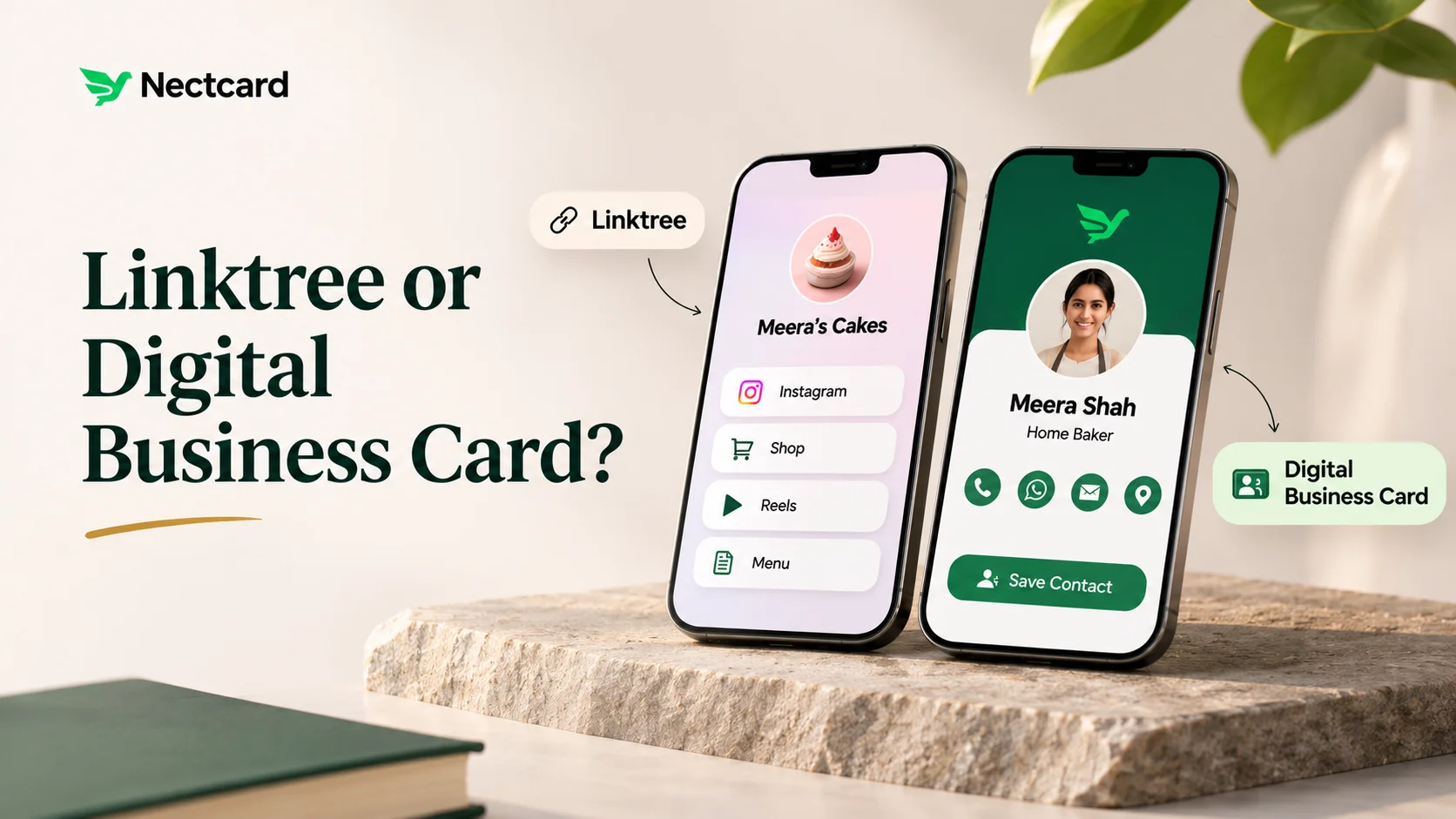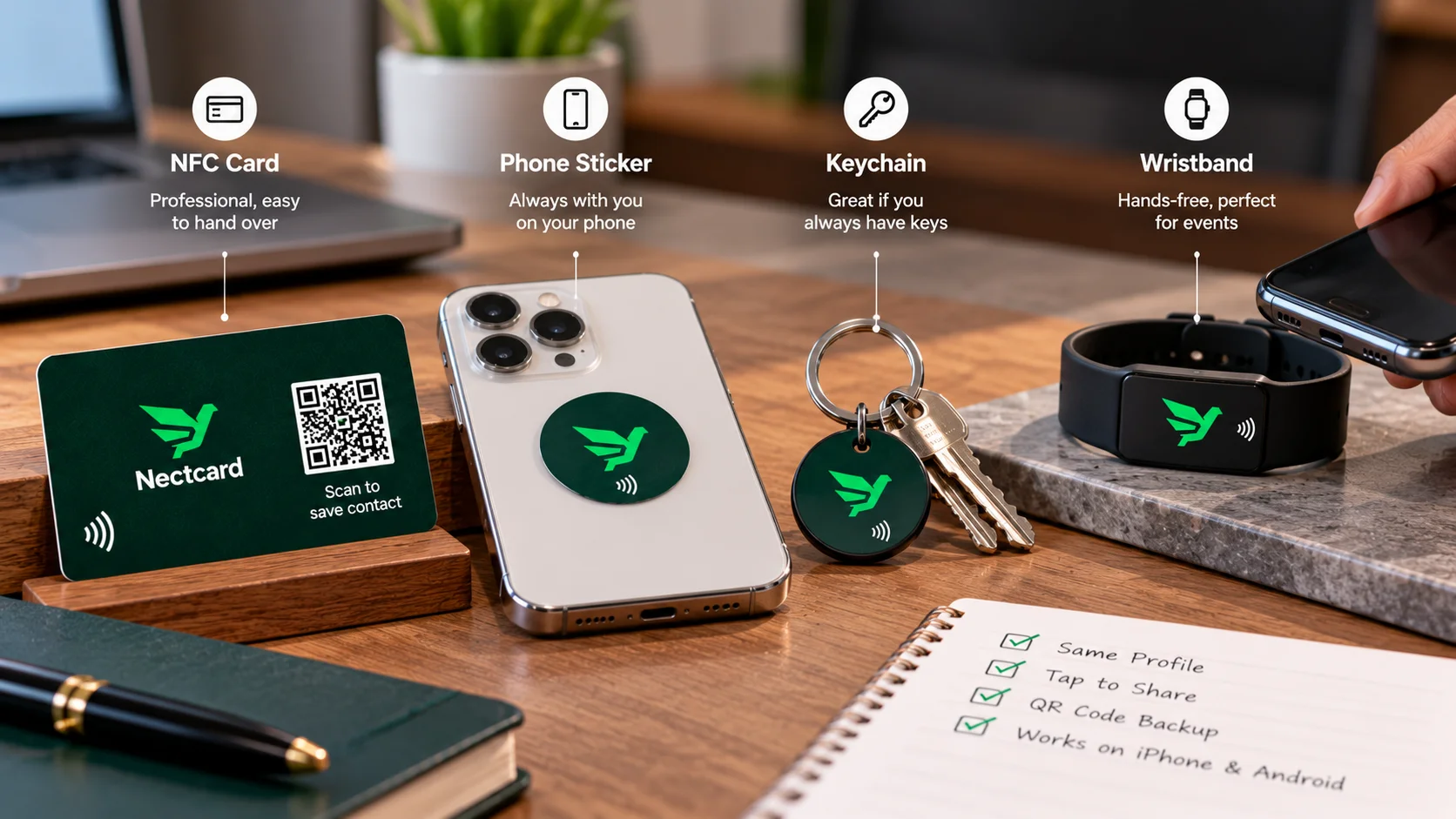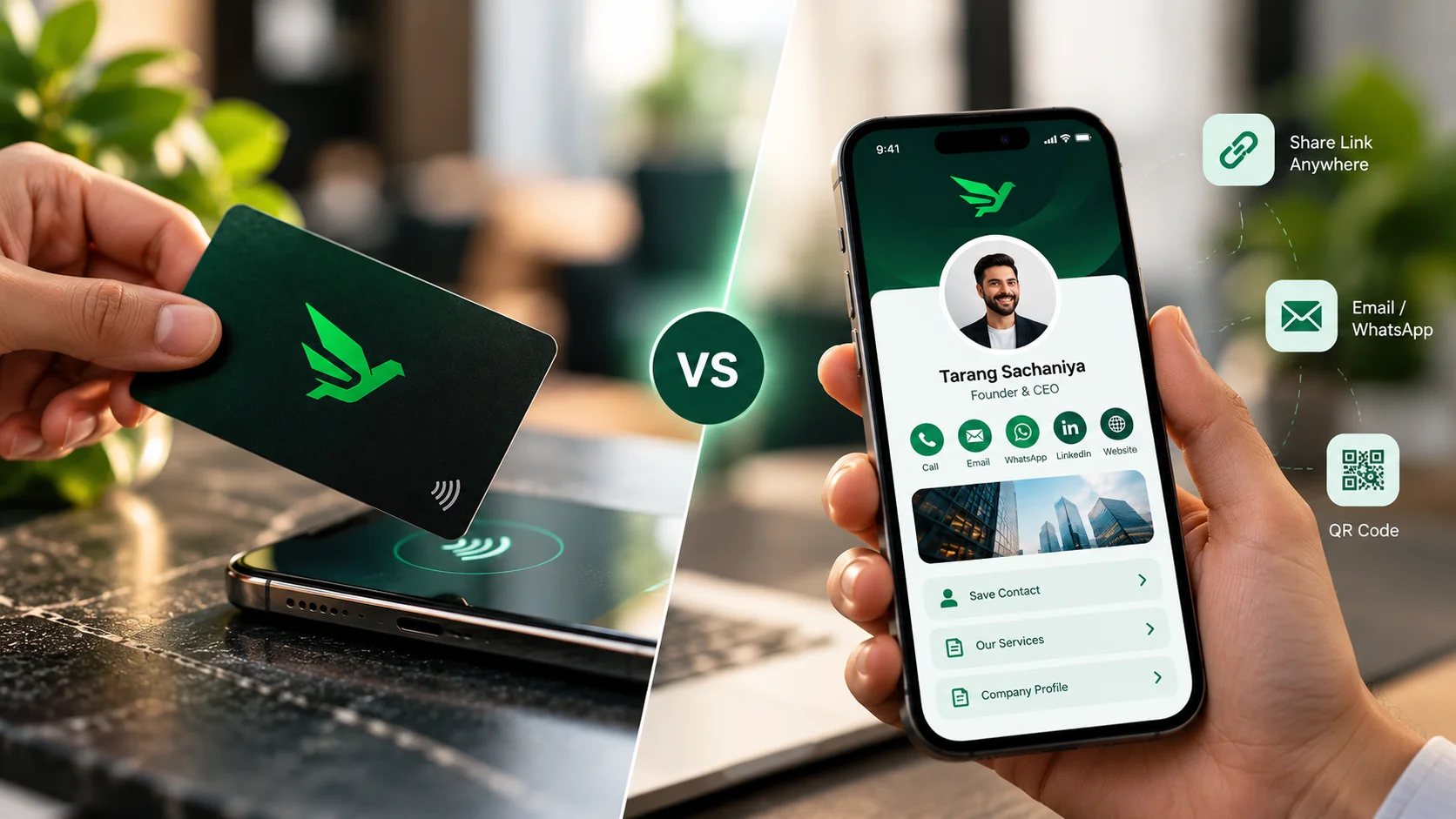
Not always. If you mostly network online, an app-only digital card shared by link or QR code may be enough. If you meet people face to face often, at site visits, trade fairs or client offices, a physical NFC card adds a one-tap way to open the same profile, and it works alongside the digital card rather than replacing it.
What each option actually is
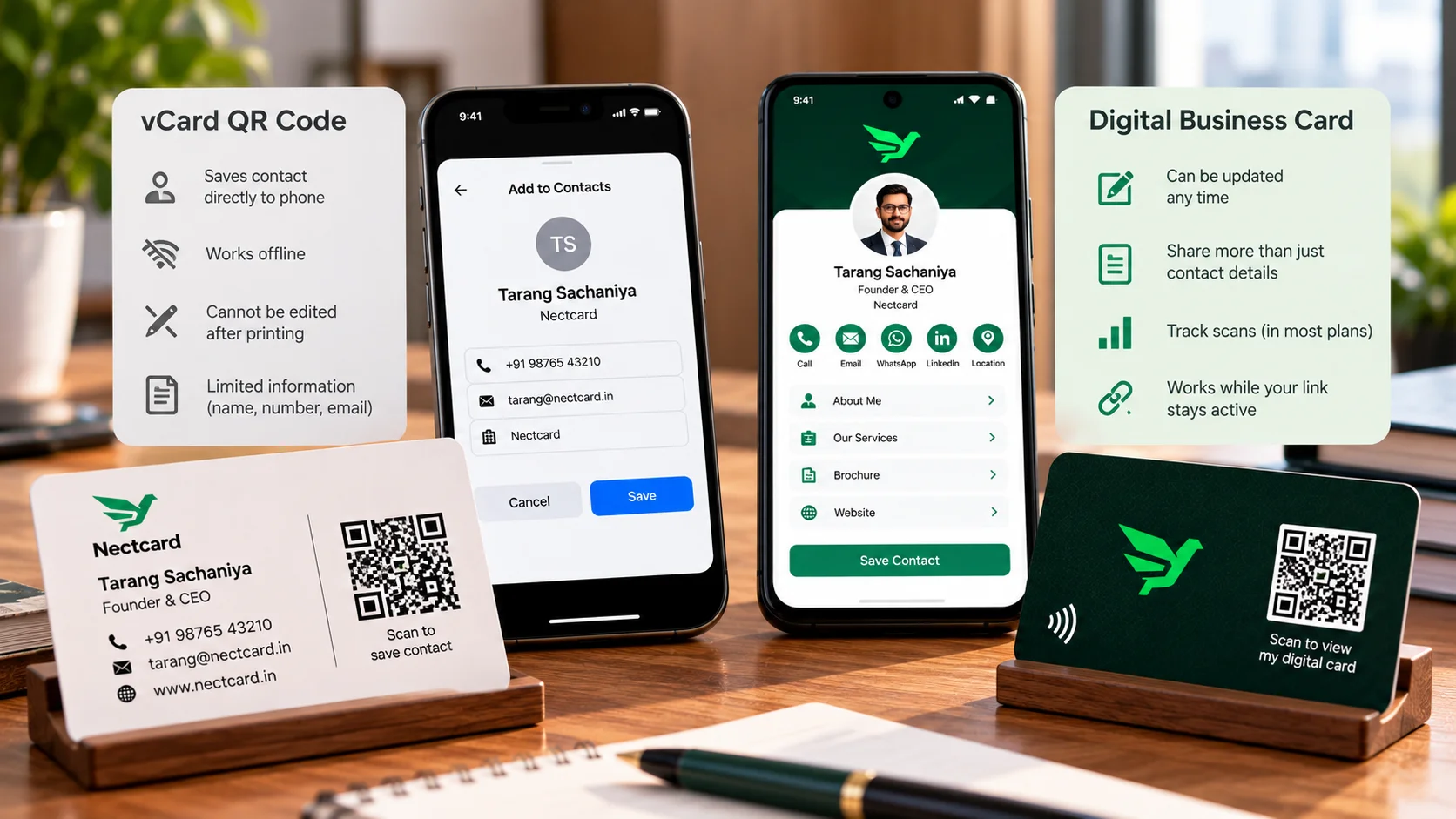
An app-only digital business card is a profile you share from your phone. Blinq, for example, describes sharing it by QR code, link or Apple and Google Wallet. An NFC card is a physical card with a chip that holds a link to a profile like that, so a tap opens it. Some cards, including every Nectcard card, also carry a QR code. For the tap-versus-scan question on its own, see NFC vs QR business cards.
The case against physical NFC cards
Several companies that sell app-first products have published the arguments against cards. They are worth hearing, keeping in mind who is making them.
- HiHello says some phones need NFC switched on in settings, and older phones lack NFC entirely.
- Popl says the chip has to meet a spot on the phone that varies by model, so people sometimes have to reposition the card.
- Both say a physical card only works in person, not over video calls or email.
- HiHello and Popl say most cards hold one link, so separate profiles need separate cards.
- HiHello says you have to remember to carry the card, and a lost card can't be deactivated remotely.
- Blinq notes that each card is a separate purchase, while its digital card is free, and that printed names or titles go out of date when roles change.
Where those arguments hold, and where they don't
Phone compatibility
This is real but narrow. Apple's iPhone guide lists NFC Tag Reader as automatic on iPhone XR, XS, 11, 12 and 13 models and on iPhone SE (2nd generation) and later. On iPhone 7, 8 and X it has to be turned on in Control Center. On Android, Google's Pixel help shows NFC as a setting under Connected devices, then Connection preferences, so it can be switched off. A QR code on the card covers any phone that won't tap. Our guide on NFC cards on iPhone and Android goes through this in detail.
Remote sharing
True of the card itself: a tap needs the card and the phone in the same room. But the profile behind the card is a web page, so you can still send its link over WhatsApp or email. The card adds an in-person option; it does not take the remote one away. See how to share an NFC business card.
Outdated details
This depends on what is printed. Anything printed on the card, such as a job title, is fixed. Anything on the linked profile can usually be edited without a new card, so keeping the printed text short reduces the problem.
Cost
A physical card is an extra purchase. The question is whether a faster, more memorable exchange at in-person meetings is worth that to you. If most of your contacts start on LinkedIn or email, it may not be.
| App-only digital card | NFC card with QR | |
|---|---|---|
| Needs a physical item | No | Yes |
| Share in person | Show a QR code on your phone | Tap the card or scan its QR |
| Share remotely | Yes, by link | Yes, by sending the profile link |
| Receiver needs an app | No, per Blinq | No, the profile opens in the browser |
| Affected by the receiver's NFC setting | No | Tap only; the QR still works |
| Your phone needs to be out | Yes | No |
Which should you choose?
- Mostly online meetings and email introductions: an app-only card is likely enough.
- Frequent in-person meetings, events or site visits: a card saves taking out and unlocking your phone each time.
- A team that meets clients in the field: matching cards with separate profiles keep the brand consistent. See NFC cards for teams.
- Not sure yet: start with a digital profile and add a card later if you find yourself sharing in person often.
With Nectcard, the card and the profile come together: the profile opens in the visitor's browser with no app needed, it has a save-contact button that adds you to their phone in one tap, and every card carries a QR code for phones that don't tap. More on this on the digital visiting card page.
Bottom line
The digital profile is what matters; the card is a faster way to open it in person. If face-to-face meetings are a big part of how you win work, a card is worth having. If they are not, an app-only card will do.
See the card options
Plastic, wooden and metal cards, all with tap and QR.