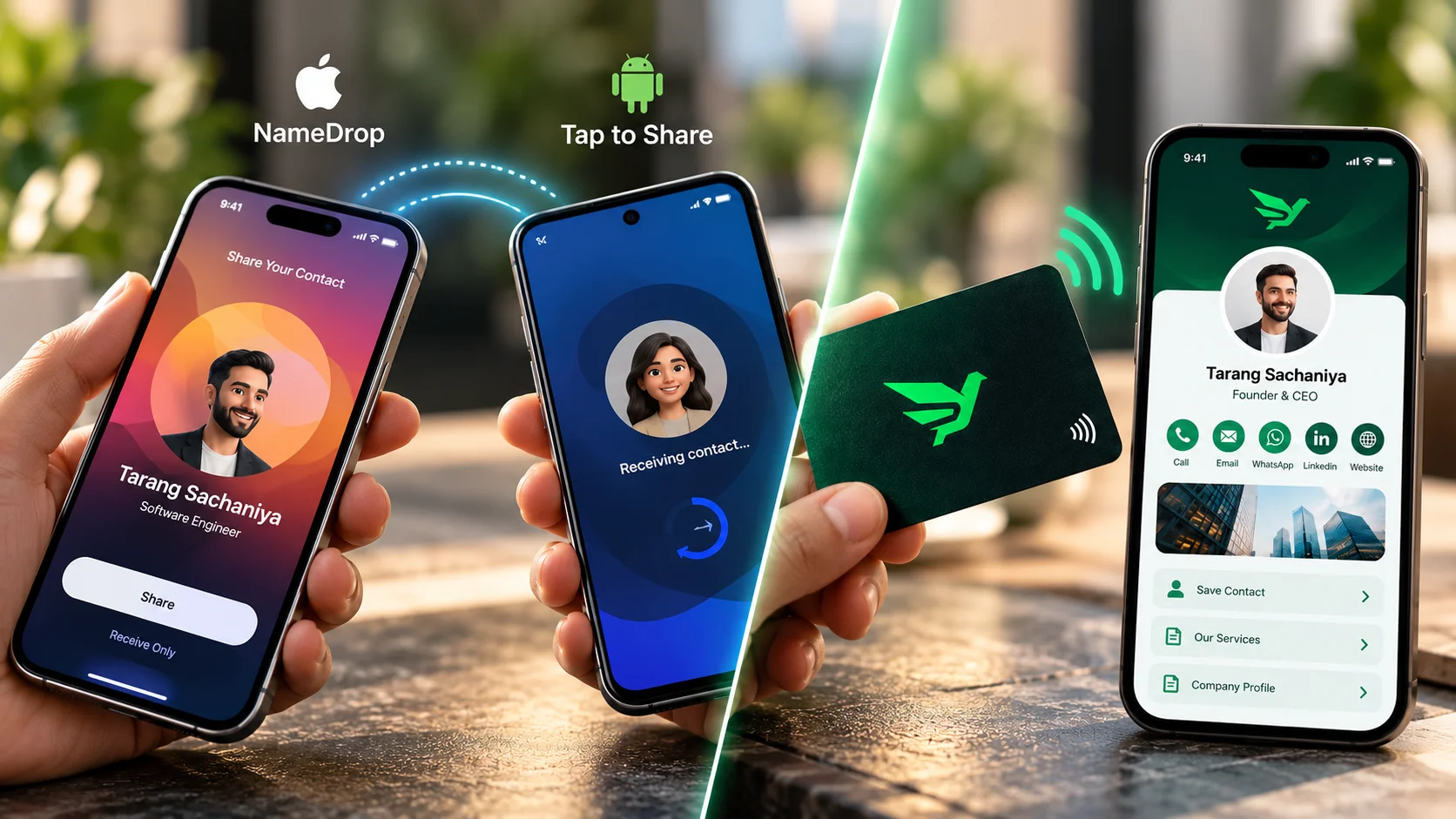
If everyone you meet carries a recent iPhone, NameDrop covers the basics, and Google's new Tap to Share does something similar between compatible Android phones. Neither one swaps contacts between an iPhone and an Android phone, and both share only a name and a number or email. An NFC business card fills those gaps because it opens a web profile that any phone can read, with a QR code as a backup.
What NameDrop actually shares
NameDrop is part of AirDrop. According to Apple's personal safety guide, it needs iOS 17.1 or watchOS 10.1 or later on both devices, and you start it by holding your iPhone a few centimetres above the other person's iPhone or Apple Watch. Once NameDrop appears on both screens, you choose to share your card or only receive theirs.
- Shared: your name and the phone number or email address you pick.
- Not shared: other Contact Card details such as your home address or birthday.
- To turn it off: Settings > General > AirDrop, then switch off Bringing Devices Together.
Apple describes NameDrop only for its own devices: iPhone, iPad and Apple Watch. Your website, WhatsApp link, services or brochure don't travel with it.
Android's answer: Tap to Share
Google began rolling out Tap to Share on 12 August 2026. It extends Quick Share: from the home screen, you tap two compatible Android phones together and they swap contact information. Media goes through the share sheet first and then a tap.
- First wave: Pixel 6 and newer.
- Announced as next: Samsung Galaxy Z Fold 8, Z Fold 8 Ultra and Z Flip 8.
- Google says it plans to bring it to more Android devices by the end of the year.
Launch coverage from 9to5Google and Android Authority doesn't say Tap to Share works with iPhones. Google has made Quick Share work with AirDrop on some Pixel phones, but TechRepublic's February 2026 report describes that as photo, video and file transfers only, not contact exchange. The iPhone also has to set AirDrop to Everyone for 10 minutes.
Where built-in sharing stops
| NameDrop | Tap to Share | NFC card with web profile | |
|---|---|---|---|
| Works iPhone to iPhone | Yes (iOS 17.1+) | No | Yes |
| Works Android to Android | No | Compatible phones only | Yes, on NFC phones |
| Works iPhone to Android | No | Not stated at launch | Yes |
| What the other person gets | Name plus one number or email | Contact information | Full profile with a Save contact button |
| Phones without tap support | No | No | QR code on the card |
| Update details later | Share again | Share again | Edit the profile, same card |
The NFC column assumes a card that opens a hosted profile in the browser. To see how the chip, the tap and the QR fallback fit together, read how NFC business cards work. Phone-by-phone details are in do NFC cards work on iPhone and Android.
When built-in sharing is enough
- You mostly meet people on the same platform as you, and a name plus number is all they need.
- It's a personal swap, not a sales or client meeting.
- You don't need to send people to a website, catalogue, WhatsApp chat or payment details.
When an NFC card still earns its place
- You meet people on both iPhone and Android, such as clients, suppliers and site visitors.
- You want people to see more than a number: services, products, a brochure, business hours or UPI details.
- You hand your details to people whose phones you can't predict. The card's QR code works when a tap doesn't.
- Your details change. You edit the profile once and the card keeps working without a reprint.
Conclusion
Built-in tap sharing is handy, but it stays inside each platform and carries only the basics. If the people you meet use a mix of phones, or you need them to see more than a number, an NFC card with a QR backup still does a job that NameDrop and Tap to Share don't.
One card for iPhone and Android
Nectcard profiles open in the browser with no app needed, and every card carries a QR backup.