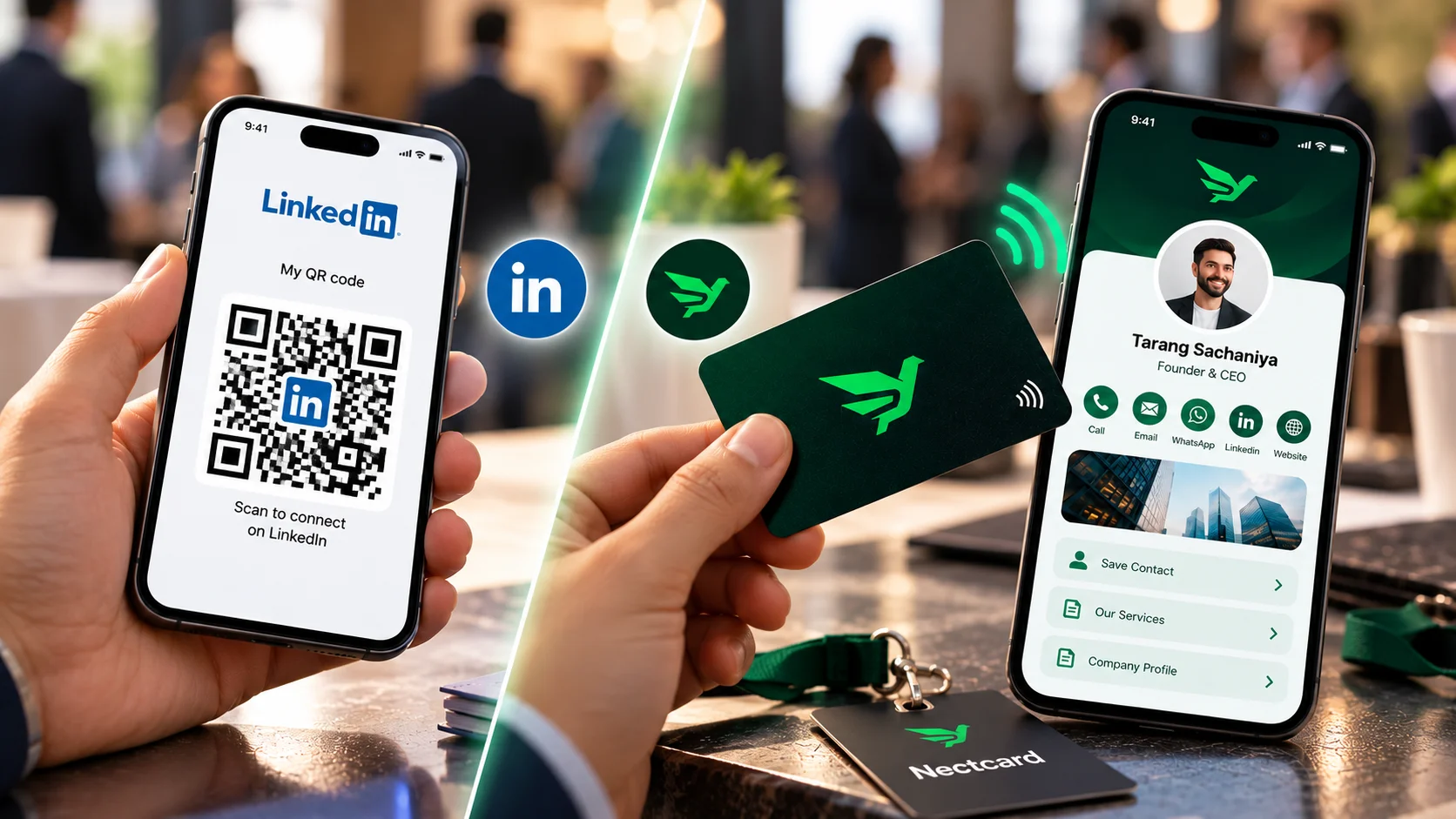
Use your LinkedIn QR code when the goal is a LinkedIn connection, and an NFC business card when you want the other person to have your phone number, email and WhatsApp saved on their phone. The LinkedIn code opens your profile inside LinkedIn and costs nothing. A card opens a full contact profile in any browser and can save you to their contacts in one tap. You can also use both.
How the LinkedIn QR code works
LinkedIn added personal QR codes to its iOS and Android apps in June 2018, and TechCrunch reported at the time that LinkedIn pitched the code as a replacement for the business card at in-person events. In the app you tap the QR icon in the search bar, then open My code to show yours or scan someone else's. You can also save the code as an image, which SmartCompany noted could go on lanyards, email signatures or a résumé.
Where the LinkedIn code falls short
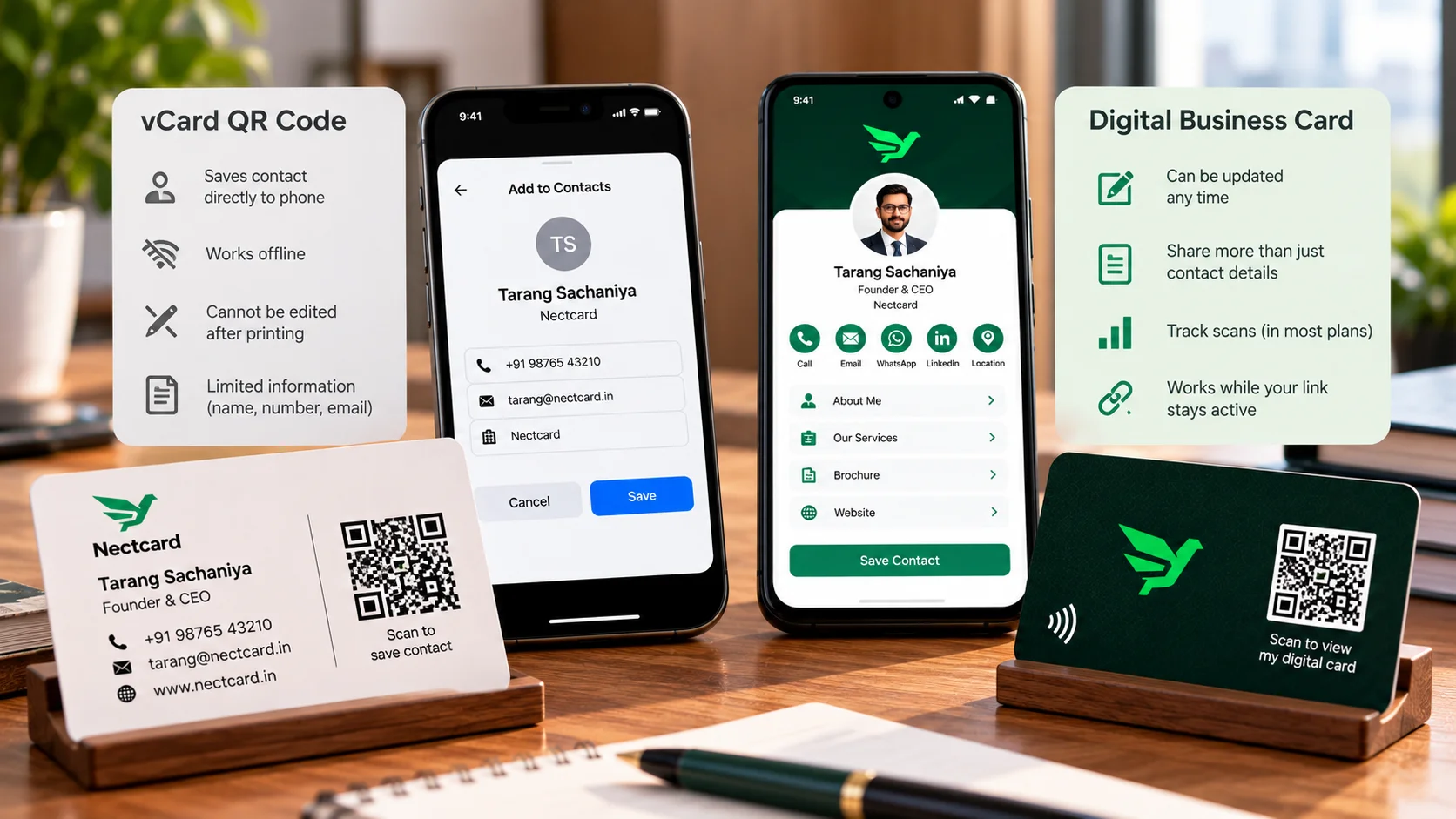
- It opens LinkedIn, not your contact card. Blinq's guide points out that a scan doesn't save your name, number or email to the other person's phone.
- It lives in the mobile app. Snov.io and Blinq both say there's no built-in version on the desktop site.
- It's for personal profiles only, according to Snov.io, so a company page can't use it.
- It assumes the other person uses LinkedIn. A shop owner, a doctor's receptionist or a client's family member may not.
- Printed too small, it may not scan. Snov.io warns against printing it smaller than about 2 x 2 cm.
Where an NFC business card fits better
An NFC card opens a profile page in the visitor's browser, so nobody needs an app or an account. With Nectcard, that profile can carry your phone, WhatsApp, email, website, social links (LinkedIn included) and location, and a Save contact button adds you to their phone contacts in one tap. Every card also has a QR code for phones that don't tap. See how NFC business cards work for the details.
| LinkedIn QR code | NFC business card | |
|---|---|---|
| Cost | Free | Paid card and plan |
| What opens | Your LinkedIn profile | Your full contact profile |
| Saves your number to their phone | No | Yes, with a Save contact button |
| Other person needs | LinkedIn, ideally the app | Any phone with a browser |
| Works without your phone out | No, you show the code on screen | Yes, they tap or scan the card |
| Links to LinkedIn | Yes | Yes, as one link on the profile |
Which to use, situation by situation
- Industry conference where everyone is on LinkedIn: the LinkedIn code is quick, and it's free.
- Client meetings, site visits and walk-ins: a card, because the person may want to call or WhatsApp you later rather than message you on LinkedIn.
- Your employer doesn't issue business cards: a personal LinkedIn code is a reasonable stand-in, a point a Coffee Lunch Coffee blog post makes.
- Sales and consulting roles: both. Tap the card so your number is saved, then connect on LinkedIn while you're still talking.
If you sell or consult for a living, the industry pages for sales teams and freelancers and consultants show how the profile can be set up for that work.
Conclusion
The LinkedIn QR code is a free, fast way to connect on LinkedIn. It isn't a contact card: it won't put your number in someone's phone, and it only helps people who use LinkedIn. If the people you meet need to call or WhatsApp you, a card does that job, and it can still send them to your LinkedIn.
One tap, every contact detail
Plastic, wooden and metal cards with tap and QR.