A tutor's visiting card should tell a parent three things quickly: what you teach, for which class or exam, and how to reach you. A digital card gives you room for the details parents ask about anyway, like batch timings, fees and your qualifications. What you should leave off are claims like "100% selection" or "guaranteed rank", because the CCPA's November 2024 guidelines for coaching ads treat false claims of that kind as misleading.
Why parents want more than a phone number
Most tuition work in India still grows the old way: a relative mentions you, a parent tells another parent, a pamphlet sits near the stationery shop counter. Advice on platforms like UrbanPro and Superprof for new tutors says much the same thing: start with people you know and let referrals do the rest.
The catch is what happens next. When one parent forwards your number on the class WhatsApp group, the next parent wants to know the board, the timings and the fee before they call a stranger. If your card only carries a name and a number, every one of those questions becomes a phone call. A digital card answers them before the call.
What to put on your card
- What you teach, stated plainly: subject, board (CBSE, ICSE or state board), classes, or the exam you prepare students for.
- Your real qualifications and teaching experience, written exactly as they are.
- Where and how you teach: at the student's home, at your place, at a centre or online, plus the areas you cover.
- Batch timings and how many students sit in one batch.
- Fees and refund terms, if you're comfortable sharing them. Coaching centres are expected to publish these anyway.
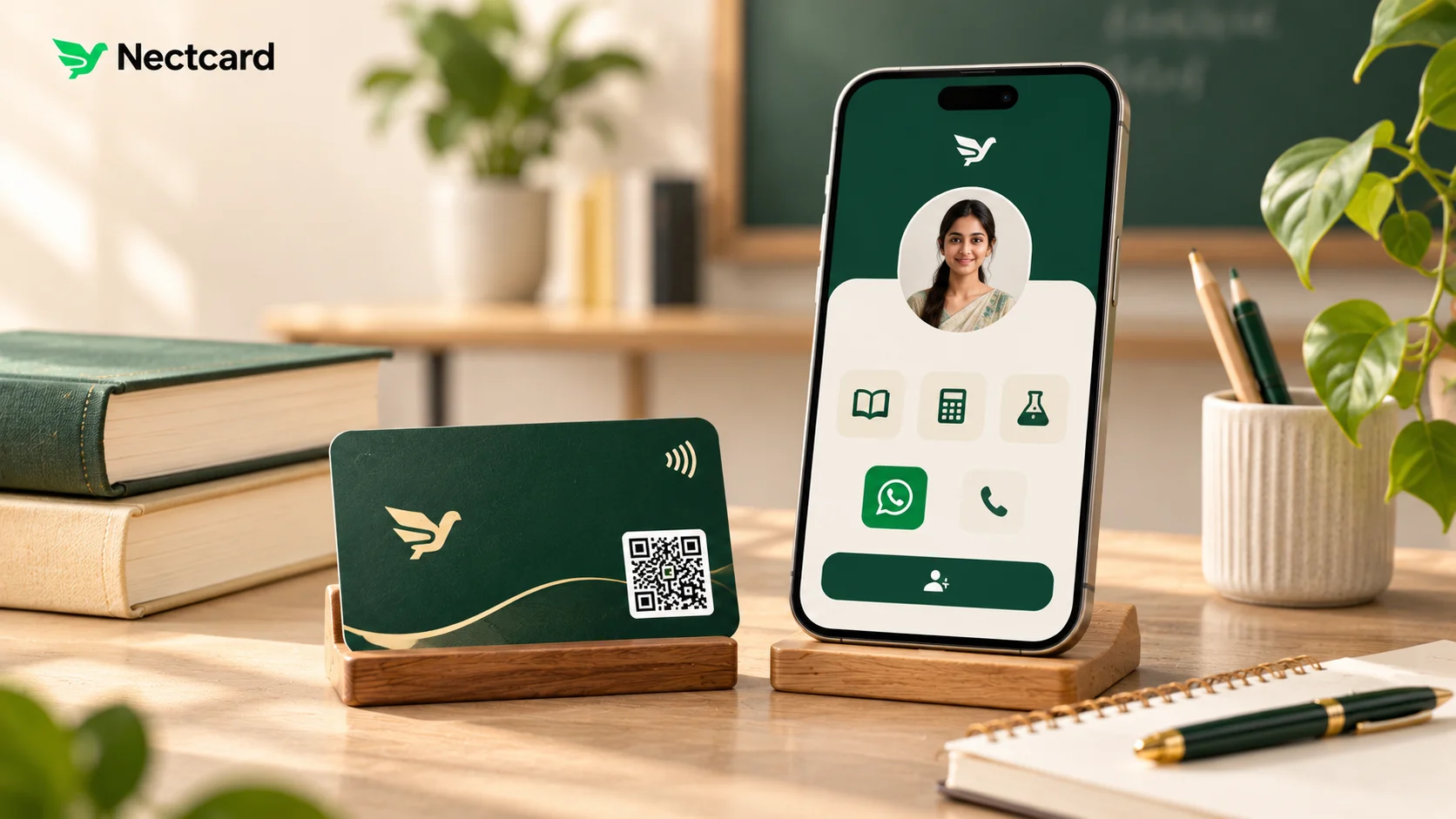
- A WhatsApp button and a one-tap save-contact option, so parents don't have to type your number.
- Details of a demo class, if you offer one.
For a general checklist that works for any profession, see what to put on a digital business card.
Printed card or digital profile: what goes where
| Detail | Printed card | Digital profile |
|---|---|---|
| Name and subjects | Yes | Yes |
| Board and classes | Yes, short | Yes, in full |
| Phone or WhatsApp | Yes | Yes, as buttons |
| Batch timings | No, they change | Yes |
| Fees and refund terms | No | Optional, easy to update |
| Qualifications | One line | Full detail |
| Sample lesson video | No | Yes |
The claims you should keep off it
On 13 November 2024 the Central Consumer Protection Authority (CCPA) issued guidelines on misleading advertisements in the coaching sector. They cover tuition and academic coaching ads in any form, and the Consumer Protection Act defines an advertisement broadly enough to include print, internet publicity and notices. Here's what the guidelines say you can't do:
- Make false claims about selection, ranks, success rates, high marks or guaranteed admission. Lines like "100% selection" are the example everyone quotes.
- Make false claims about your faculty's credentials, course duration, fees or refund policy.
- Use a successful student's name, photo, testimonial or video without their written consent, taken after they were selected.
- Show a topper without also stating their rank, the course they took and its duration, and whether they paid for it.
- Create false urgency, like "only 2 seats left" when that isn't true.
Do these rules apply to a home tutor?
Possibly not in full. Both the CCPA guidelines and the Ministry of Education's 2024 guidelines for coaching centres define a coaching centre as one with more than 50 students, so a tutor teaching a handful of children at home may sit outside them. The ministry's guidelines also ask registered centres to keep an updated website listing tutors' qualifications, courses, duration and fees, and to refund fees pro rata within 10 days when a student leaves mid-course. Even if you're small, writing your card as if these rules applied costs you nothing and keeps you safe as you grow. Your card can link to that information, but it doesn't replace any registration your state asks for.
How to set it up
- Write one line that says exactly what you teach, for example "Maths and Science, Class 8 to 10, CBSE".
- List your batches with days and timings. Keep this on the profile only, since it changes every term.
- Add your qualifications and experience. No rounding up.
- Record a two or three minute sample lesson and add it as a video.
- Decide whether to show fees. If you do, add your refund terms too.
- Print the short version on the card with the QR code, and keep everything else on the profile.
- Check the profile once a term and update timings and fees before the new batch starts.
Who this helps most
- Home tutors working on their own: your card is your shopfront, so add the areas you travel to and the days you're free. The same thinking runs through our page for freelancers and consultants.
- Online tutors and teachers on YouTube: put one short lesson in the profile gallery so a parent sees how you explain before booking. More ideas on the page for creators and coaches.
- Admission counsellors at coaching institutes: each counsellor can have their own profile with the institute's design, so enquiries reach the right person. See how this works for sales teams and companies.
Mistakes to avoid
- Printing batch timings or fees on paper, then reprinting every term.
- Copying a big institute's "guaranteed selection" style of wording.
- Putting a student's photo or marks on your card without written consent.
- Listing every subject you could teach instead of the ones you teach well.
- Leaving the old term's timings on your profile after the new batch starts.
Make your teaching card
A Nectcard profile can hold your subjects, timings, a sample lesson video and a WhatsApp button, and you can edit it any time without reprinting the card.
Keep it simple. Say what you teach, show how you teach, and let parents check the rest on your profile. Honest details travel further on a WhatsApp group than big promises do.